
Crisis management platform: frequently asked questions
Everything you need to know about PanicSafe, pricing and getting started.
Understanding the product and its use
As soon as you think you might be in a crisis, as soon as an incident occurs, or even just to clear up a doubt: the goal is to have everything ready and available in the platform at all times. Feel free to start a crisis with only a few members at first, while you rule the doubt in or out. This can even be a dedicated playbook in your crisis plan.
The generic playbooks we maintain as the vendor cover cyber crises (ransomware, data breaches, etc.). But the crisis-management methodology built into PanicSafe (organisation, roles, logbook) applies to any type of crisis. You can therefore use the platform for an operational, reputational, HR or physical crisis, by creating your own playbooks.
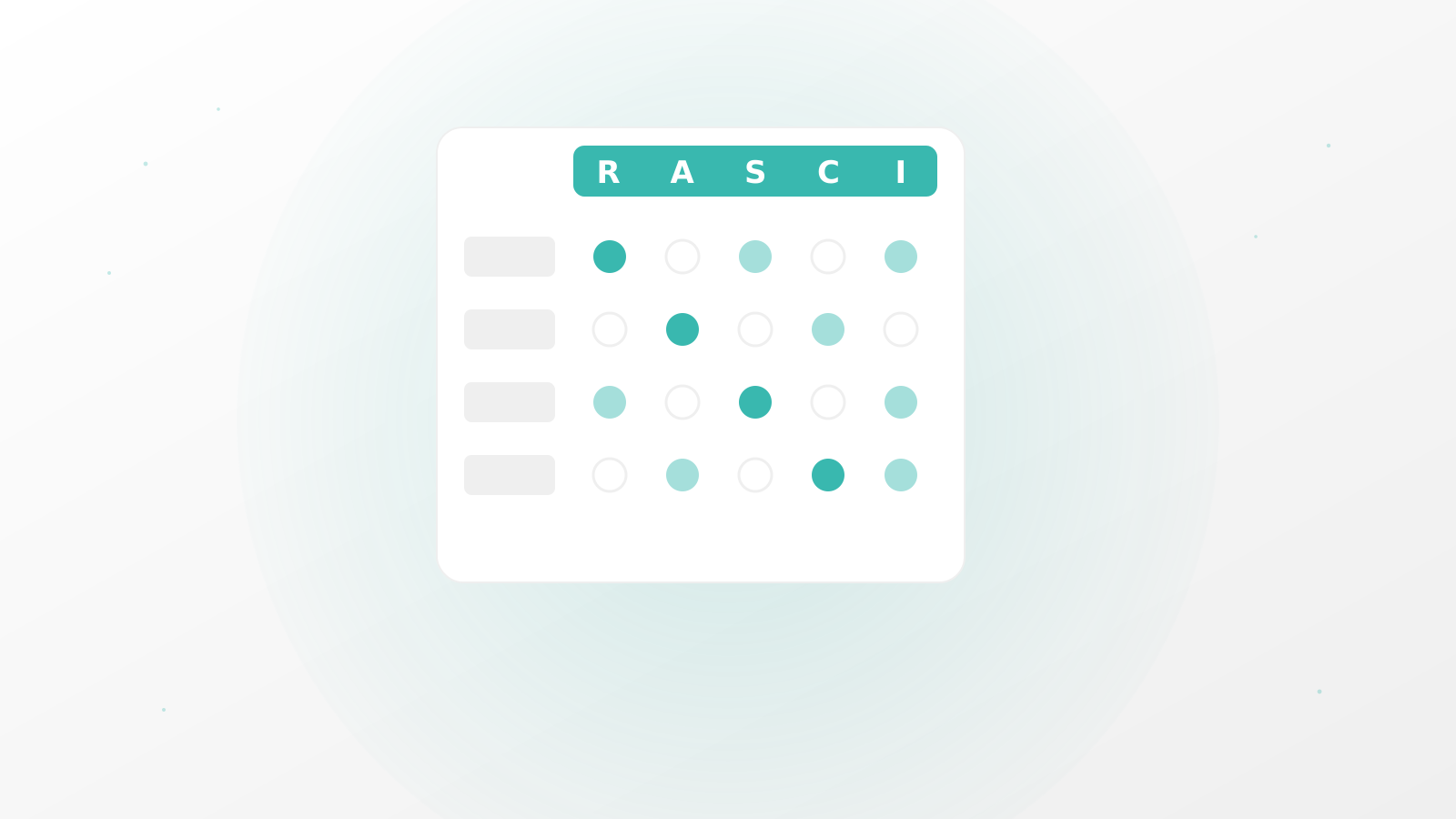
No, no prior experience is required. PanicSafe guides you and enforces a ready-to-use crisis-management structure: RACI, logbook and crisis roles are already in place. It stays flexible enough to fit both a “flat” organisation and a hierarchical crisis-management model, like those of large multi-site or international organisations.
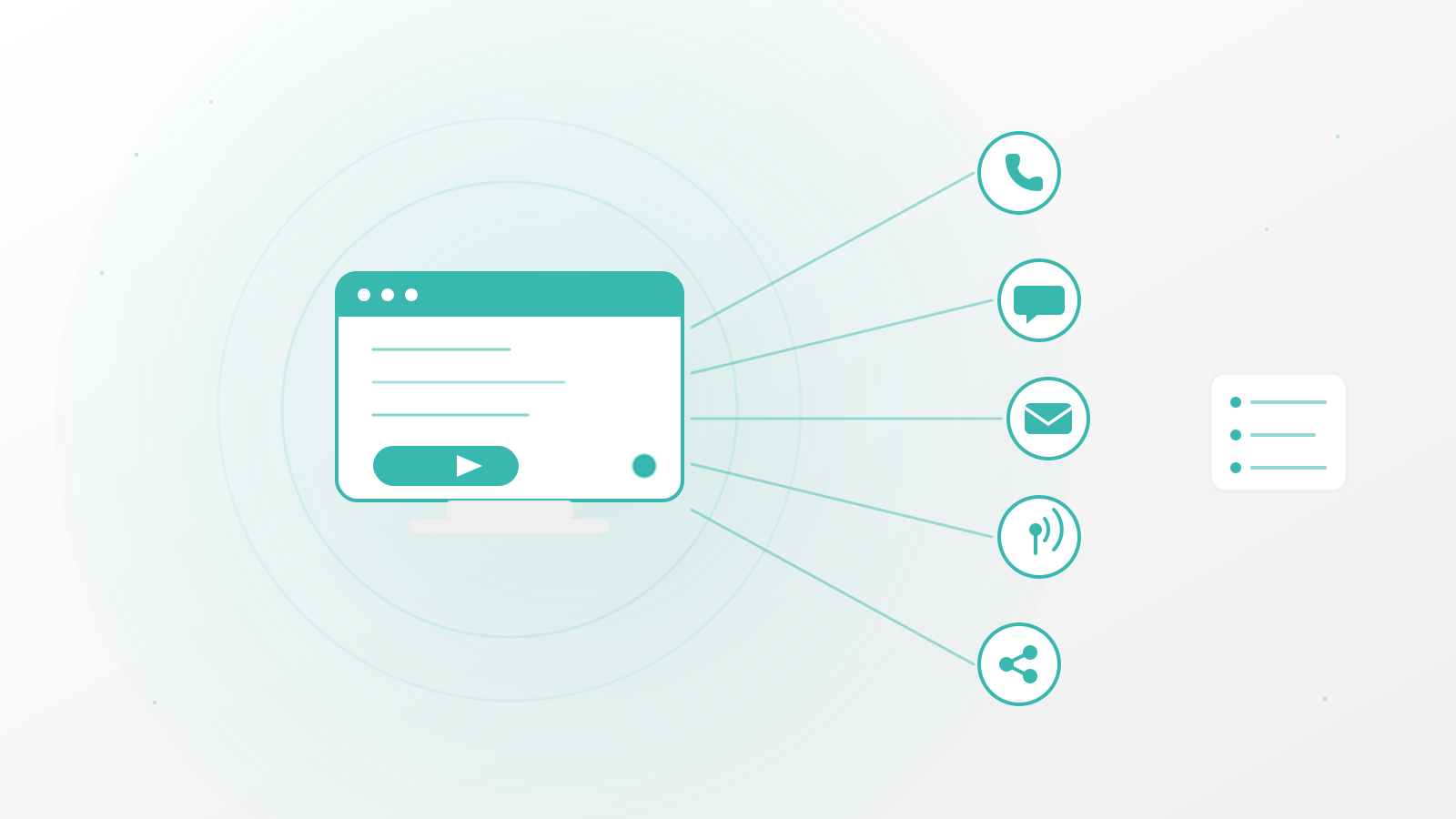
Activation is triggered by a permanent member, or by a third-party connector (your SOC, your security provider, etc.). If you are added to a crisis or an exercise, you receive an SMS notification and immediately access the “room” from the app. There you find everything you need to manage the crisis: communication (chat, video conferencing) organised by team, a task list drawn from the crisis plan (so you already have actions to take the moment you connect), a RACI, an automatic logbook, a storage space dedicated to the room, and SARA, our AI, to guide you at every step.
It complements it, and the two are linked. You can build your BCP/DRP through PanicSafe’s playbooks (crisis plans), then test them during crisis exercises. The platform is itself part of your BCP/DRP, since it lets you gather in a secure, independent virtual environment even when your usual infrastructure is down.
Security, hosting and data
Your data is hosted in France. The access the vendor has is deliberately very limited: only members’ phone numbers stay in clear text, for identification and notification purposes. Everything else is encrypted with a key specific to your tenant, which PanicSafe cannot access (see encryption details below).
We deliberately limit the points of compromise shared with your information system: there is, for example, no synchronisation with your Active Directory, and no SCIM. This is also why we use the phone number as the identifier rather than the work email, which is more exposed if your mailbox is compromised.
It remains available for the retention period set out in your contract, depending on the plan you subscribed to. You can request an export of your data at any time.
Regulatory compliance
Your crisis plans are exportable and precisely document how your organisation responds to each type of crisis. Your past exercises and crises can also be exported as a full report: logbook, crisis context and register of participants.
Features and AI (SARA)
No. SARA guides and advises your team; it never replaces a human decision. Every recommendation must be validated by the members of the crisis cell.
Like any AI, SARA is not infallible: that is why its recommendations are always presented as proposals to validate, never as instructions to be executed blindly. We work continuously to improve its reliability and keep it strictly scoped to the crisis-management context, to minimise any drift.
The playbooks provided by default are generic, designed to cover the most common cyber-crisis scenarios. For a crisis plan genuinely tailored to your sector and your organisation, you can create custom playbooks, and it is even more effective with the support of one of our partners, who can help you write them.
Yes. You can subscribe to the Starter plan for one month, commitment-free, and run an exercise simulation to assess whether the tool matches your maturity level. If you are considering a plan with partner support, you can also request a PoC (proof of concept).
Implementation and team
Allow a few days: the time to define your crisis members and assign them one or more roles, upload your documents, configure your crisis plans, and above all run a first exercise. There is nothing like a hands-on scenario for the whole team to make the tool their own.
Ideally, the whole crisis cell, but starting with the crisis managers is already a good foundation. The platform is designed for all profiles, including those least experienced in crisis management.
No, configuration stays simple and accessible without technical skills. However, you will need a good understanding of your context (the threats specific to your organisation) and of the methodology to build a crisis plan tailored to your activity. In every case we recommend getting support from one of our partners for this step.
Yes, that is exactly the role of the temporary member: you add them to the crisis or the exercise the moment you need them (a lawyer, insurer or forensic expert) and you remove them once their involvement is over, without leaving them permanent access to the platform.
Pricing and contract
You have access to the same platform as the partner plans. Only a few advanced features are not included: custom playbooks and mass alert by SMS.
Your quotas do not kick in during a crisis: the number of permanent members is defined upfront, and we stay flexible on the number of temporary members mobilised in a real situation.
The Starter plan is commitment-free: you can subscribe for a single month to test the platform.
Comparison and skepticism
The sovereignty of your data, the application of crisis-management best practices (ANSSI, ENISA), a considerable time saving thanks to automation, and above all a platform independent from your usual tools, so it stays available even if they are compromised or down. In short: peace of mind, where a WhatsApp group and a Word document offer you neither structure, nor traceability, nor resilience in the event of an IT crisis.
These tools are not designed for crisis management: they impose neither methodology, nor roles, nor automatic traceability, and they often depend on your usual infrastructure, so they are potentially compromised at the same time as it. PanicSafe is an independent, secure environment, already structured for crises from the very first second, which none of these general-purpose tools offers natively.
Reliability and continuity
PanicSafe requires a network connection: through the mobile app, you stay operational on the telecom network (4G/5G) even if your corporate network is completely down.
After the crisis
You can export it at any time, along with all the tasks completed during the crisis or exercise. That is enough to feed a continuous-improvement process and enrich your future crisis plans.
This support is ideally provided by one of our partners, who helps you update your crisis plans in the light of the situations you have experienced.